Loose or strict
Loose matching treats http and https, www, fragments and tracking parameters as the same page. Turn it off in Settings for exact addresses only.
Six windows. Two hundred tabs. One of them is the one you want.
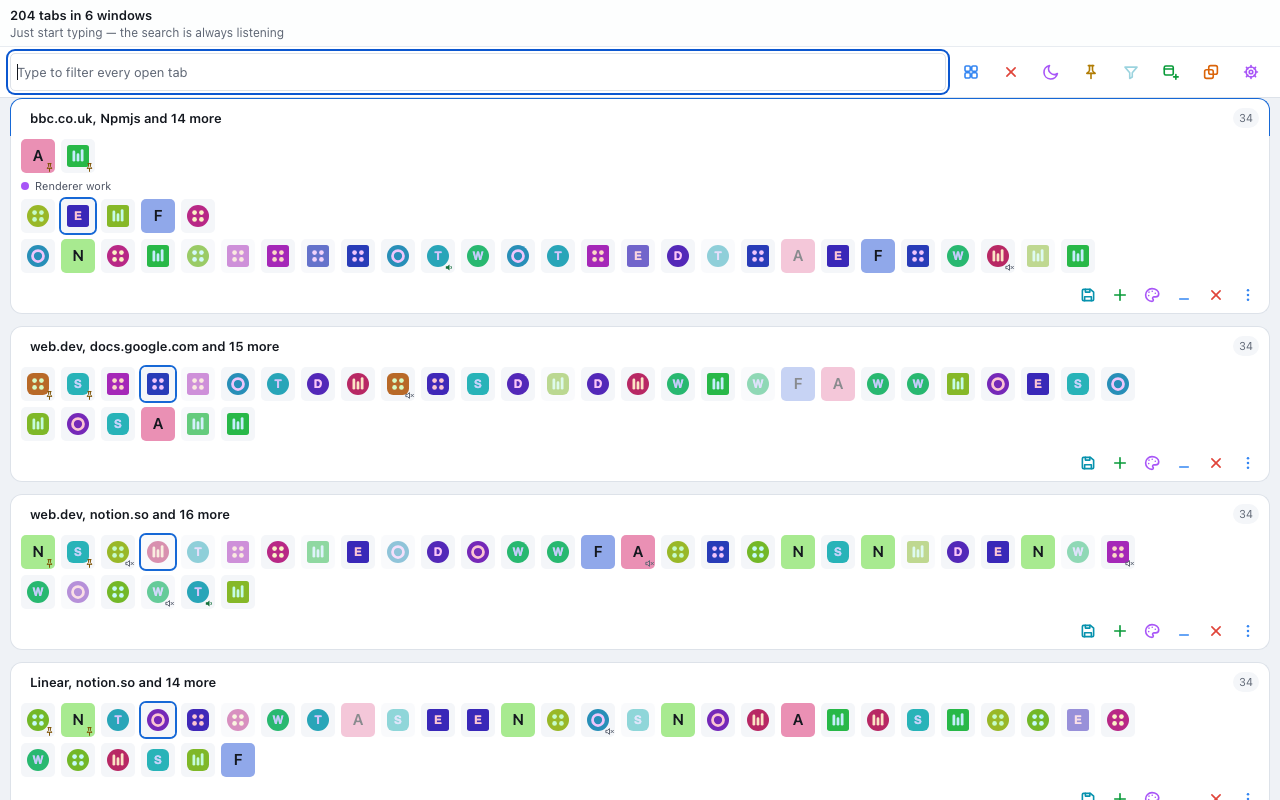
Every tab you have, in one grid. Start typing and it narrows.
Open one panel and every tab in every window is already on screen, grouped by window. Pick the ones you want and act on all of them at once. Nothing is sent anywhere, because there is nowhere to send it.
Try it here
The real query language, running on a sample list of tabs held inside this page. It cannot see your browser, and it asks nothing of it.

Search
The search is always listening. You do not click the box first — you start typing and the grid narrows. A bare word is matched against the title, the address and the host at once. When that is too broad, aim it.
Half-typed queries mean what you are on your way to typing. An unclosed quote closes itself at the end of the input. A prefix with nothing after it yet contributes nothing rather than matching nothing. Typing narrows the list; it never empties it.
Non-matching tabs dim out of the way rather than disappearing, so you keep your bearings. Press Alt+H if you would rather they were hidden outright. Press Enter on a single match to jump straight to that tab; press it on many and they are all picked out for you.
Act in bulk
A plain click jumps to a tab. Ctrl-click — Cmd on a Mac — adds one to the picks, and Shift-click takes a whole run of them. Then close, pin, unpin, mute, unmute, send to sleep, group, ungroup, or gather the picks into a window of their own.
The whole map
Every bare letter goes to the search, so nothing sits between you and typing. Every verb is on Alt. On a Mac the Ctrl entries above are Cmd, and the Alt bindings are read from the physical key, so Option does not turn Alt+P into a compose character.
Ctrl+Z puts back the last thing you did. The record is held by the background worker rather than by the panel you were looking at, so it still works after the panel has closed, and it lasts until Chrome quits.
A closed tab comes back with its back and forward history, not as a fresh page, wherever the browser still has the session to restore.
Tidy up
One pass buckets every tab under the address it resolves to, so the cost stays linear no matter how many tabs are open. Only the redundant copies are picked. Which copy survives is decided by a rule, in this order.
Loose matching treats http and https, www, fragments and tracking parameters as the same page. Turn it off in Settings for exact addresses only.
Alt+S sends the picks to sleep and gives the memory back. They stay where they are and reload by themselves the moment you go back to one.
Each group is drawn with its own name, its own colour, and a count when it is collapsed. Alt+G gathers the picks into a group, Alt+U pulls them back out.
Put a whole window away for later and bring it back — into a new window, or added to the one in front. Stashed windows are kept on this device.
Minimised windows keep their own section under a divider, so they stay reachable without crowding what is in front of you.
Past a number you choose, a new tab moves into a window of its own instead of making the strip narrower. Off unless you set it.
Appearance
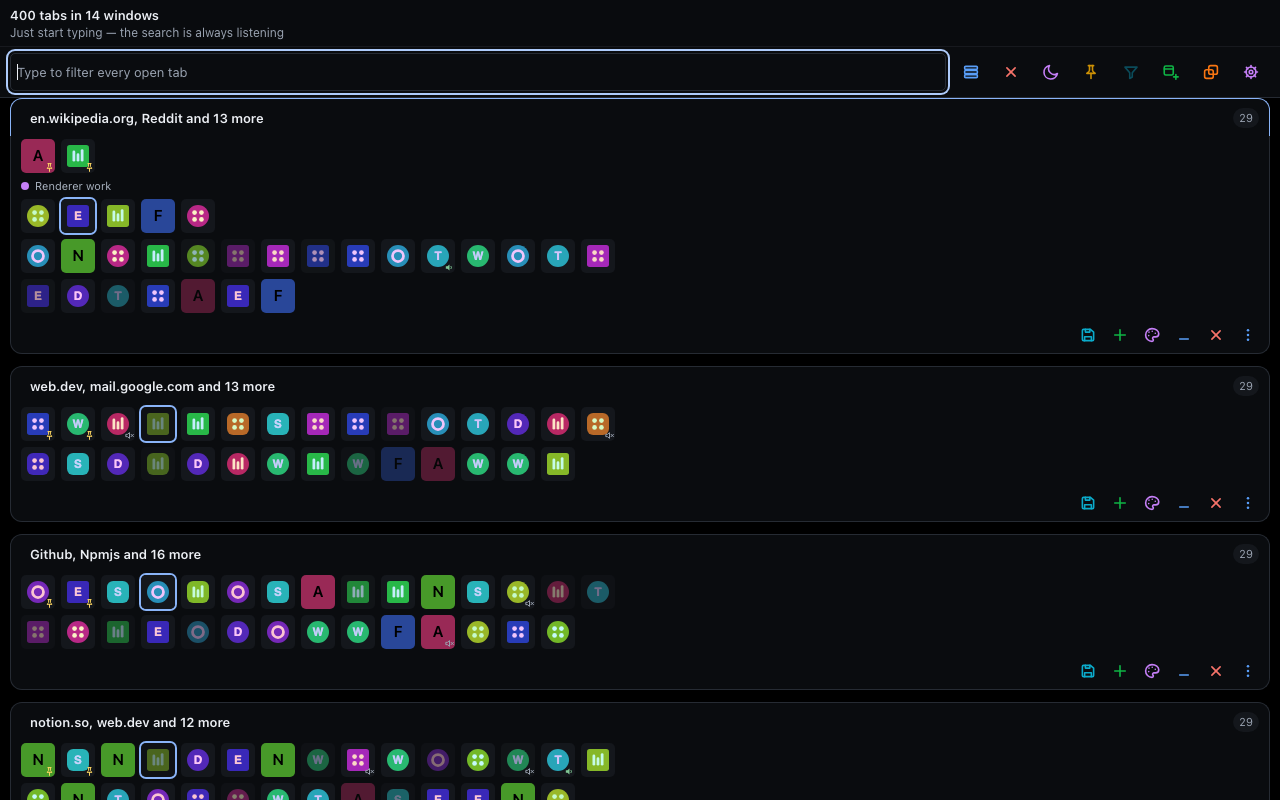
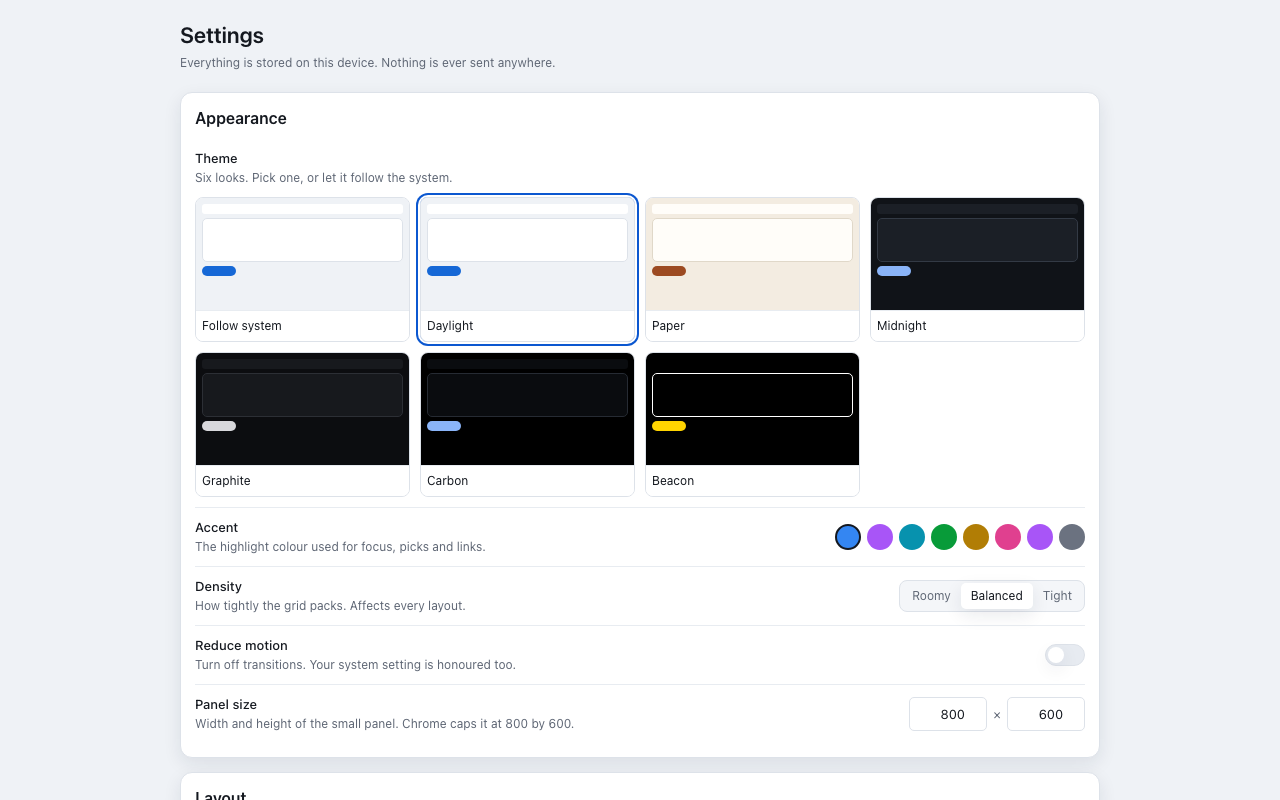
Daylight and Paper in the light. Midnight, Graphite and Carbon in the dark. Beacon is a fixed high-contrast palette for when the others are not readable enough. Leave it on Follow system and it tracks your operating system, with independent light and dark picks.
Daylight Light
Paper Light
Midnight Dark
Graphite Dark
Carbon OLED black
Beacon High contrast
Every theme and accent pairing is resolved exactly as the cascade would resolve it and checked against WCAG AA — 4.5:1 for text, 3:1 for boundaries. That is 1,763 pairs. It runs as part of the build, and a package is not produced if one of them regresses.
Transitions can be switched off, and your system reduced-motion setting is honoured on its own. The panel's width and height are yours to set, up to the 800 by 600 Chrome allows a popup.
Private by design
No server, no account, no sign-in, no analytics, no telemetry, and no network request of any kind — not while you use it, and not in the background. The extension declares itself offline-enabled and works with the network cable pulled out.
tabsThe grid itself: listing, searching, finding repeats, and acting on the tabs you pick.tabGroupsDraw the group bands as they really are, and write group membership when you gather a selection into a group.storageHold your settings and your stashed windows on this device, plus the memory-only data cleared when Chrome closes.faviconDraw site icons from Chrome's own local icon endpoint rather than fetching them from anywhere.sessionsBring a closed tab back with its history when you undo, instead of merely reopening the address.alarmsRun one weekly maintenance job, on a timer that survives the service worker being suspended.sidePanelOffer the same grid in Chrome's side panel.contextMenusAdd one entry to the toolbar icon's own menu, for opening the grid in a full tab. It never appears on a web page.Everything else
The grid paints from a small local cache on the first frame, then folds in the browser's live answer milliseconds later.
Above 150 tabs the grid recycles its rows rather than drawing thousands of them. There is no framework in the package.
Tiles, Large tiles, Rows and List. Cycle them from the toolbar strip, or jump straight to one with Alt+1 to Alt+4.
Use it as the toolbar panel, open it in a full browser tab from the icon's menu, or run it in Chrome's side panel.
The toolbar icon can carry the number of tabs you have open. Switch it off in Settings if you would rather it did not.
Each window card is labelled from what is actually in it and counted, so six windows read as six places rather than six lists.
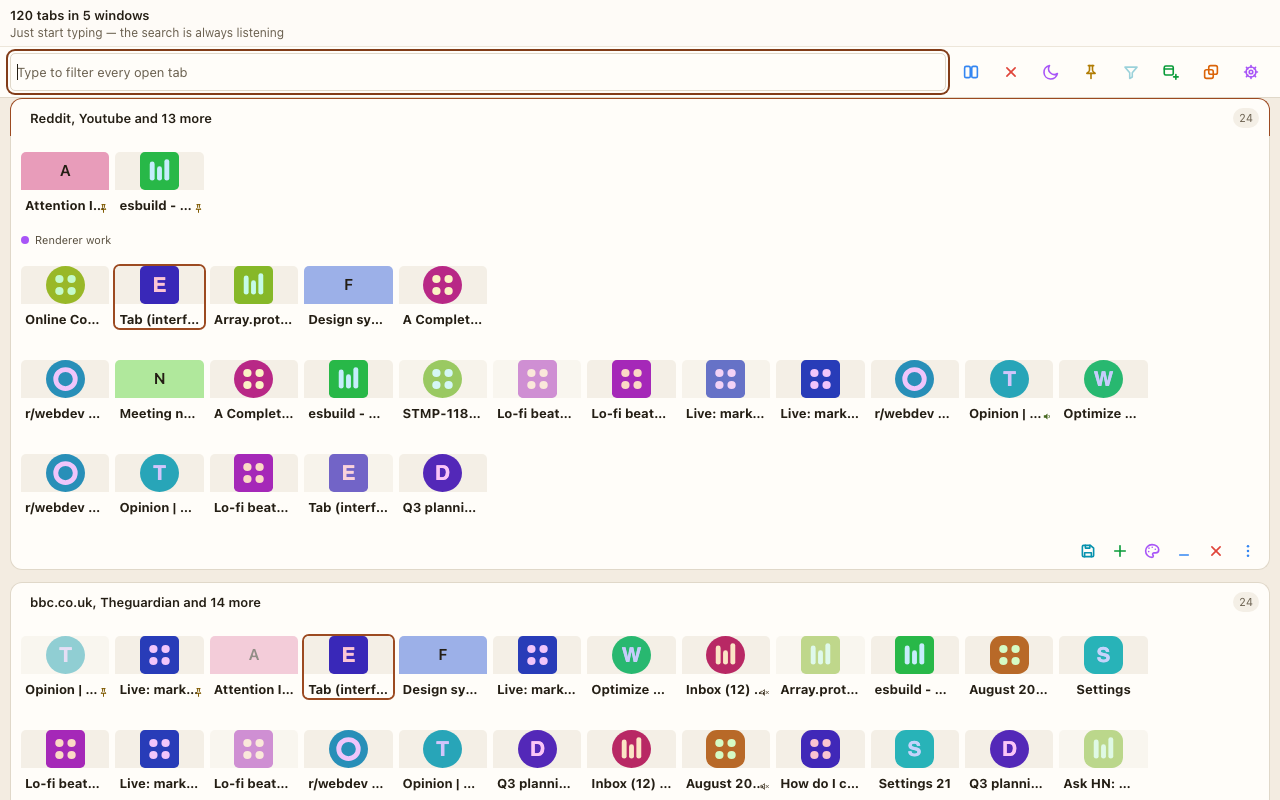
Tiles use Chrome's own local icon store. A wall of icons is scannable in a way a column of truncated titles is not.
Save your settings to a file and load them back. They are stored on this device and are never synced anywhere.
Nothing in the package needs a connection, so everything here behaves the same with the network switched off.
Type to find it. Pick it. Close the repeats. Nothing leaves your device.